
- Stories
- Business Stories
- Updating your All About Whitianga business listing page
Updating your All About Whitianga business listing page

Keep all of your information up to date so that your customers have your most relevant information. In this article get step by step instructions and tips on how to update your All About Whitianga business listing page.
Help us get the word out!
If you like this article, please share it!
The importance of current information
As a customer yourself, you know that incorrect or out of date information about a product and service is very frustrating. It can even undermine your confidence and trust in the supplier. Here's our step by step guide on how to keep your page up to date and fresh!
Instructions for editing your All about Whitianga business listing page
Hot Tip: When you are editing anything please remember to save your edits - scroll to the bottom of the page and confirm.
1. Log in to your business listing page
On the home page of All About Whitianga you will see a login area at the top of the screen. Click the login button and enter your details. If you need help with logging in see our 'how to guide' on log in.

When logged in you will land on a page with details for your business listing, this is your Account dashboard.

If you aren’t taken to this page, just click the link to the Account Dashboard at the top of your screen- this will take you here.

2. Cogwheel Functions
You will see a listings tab and this shows your listing with a cog wheel next to it

Note: If you click onto your listing you will be directed to the listing page.
At any time you can click onto the cog wheel you will have the options to edit listing (for text and links), add media or edit media (for photographs or pdf uploads etc)
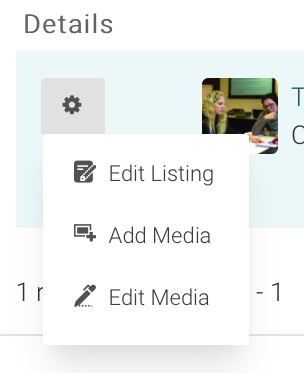
To edit the written content of your listing click the edit listing option.
3. Editing written content
Contact info
In this section you can change your contact information such as name, email, phone numbers and website address.
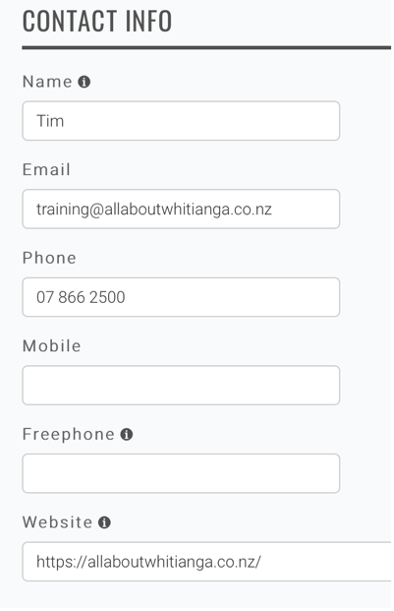
An example of how it may look on your page.

Address
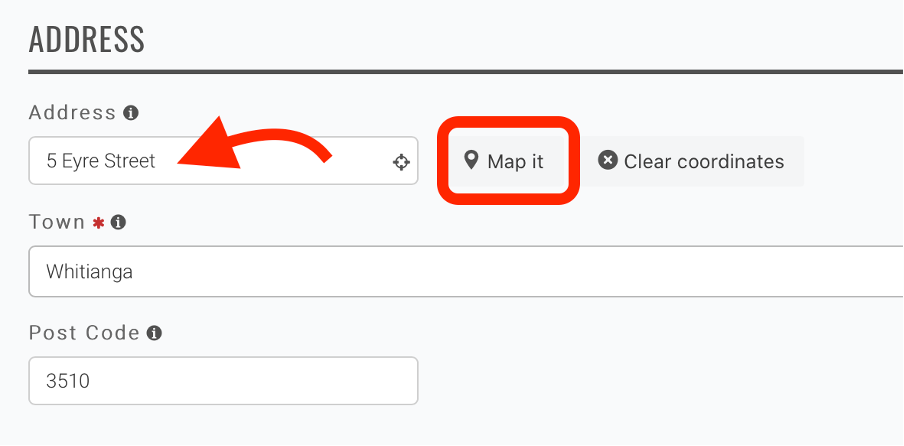
Here you can update your address information and also map location.
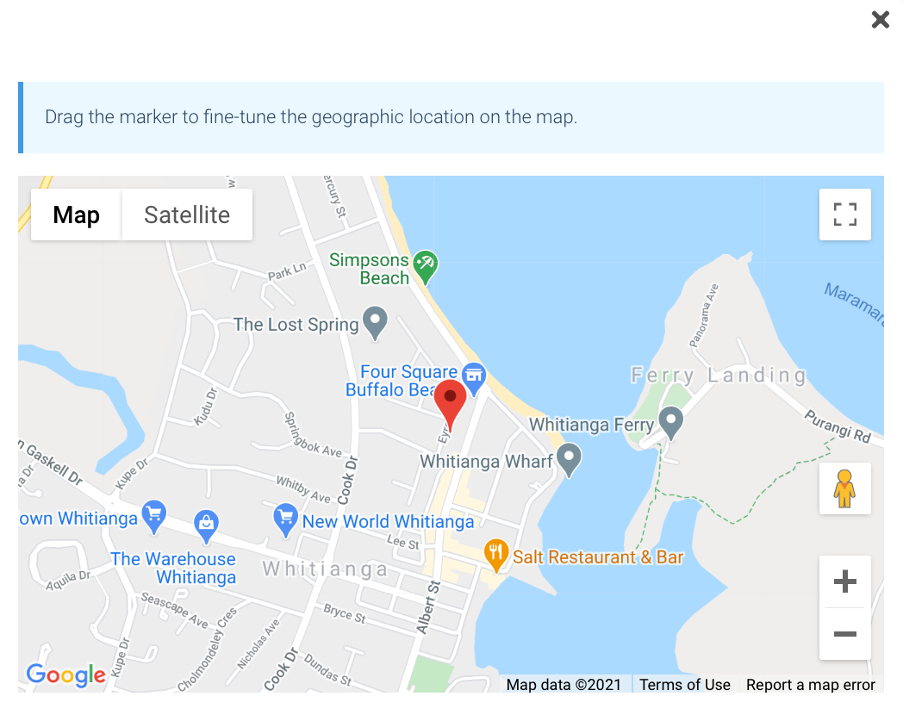
If your address has changed, enter it here and then click on the Map it button to check it will show correctly on the Google map function.
Hours
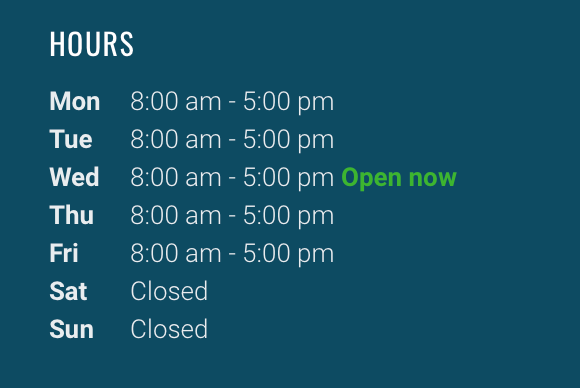
Enter or change your hours in this section. Entering hours helps with the ranking of your page in Google. So if you can it’s a great idea to make sure you have them listed on your page.

This is how it will look on your page.
Tips for entering hours
- Choose up to the two best options if they apply in the ‘ hours conditions area’

- When entering hours, think about when you are ‘in the office’ or would like to receive enquiries. Click on the +Period button to use drop down boxes to enter days and times.


It automatically defaults to Monday 12am to 12am.
- If you add too many or wish to delete a day click the red X to remove.

- You can enter more than one timer per day. For example if you are a restaurant and have a lunch shift and then close and re open for dinner, you can enter these in. Just add another period by clicking the +Period button.

Covid-19 response information
In here, enter any specific information your customers might need in regards to Covid. This area will be ‘turned on’ during high Covid alert levels so will not be visible to the public unless required.
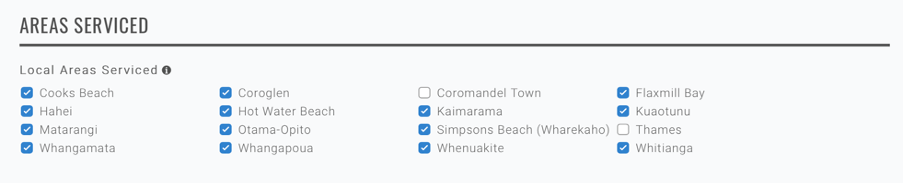
Areas Serviced
Select all the areas that you service by ticking the boxes.
Related Links
Do you have another business listing or work with / have a relationship with another business? Have a chat with them and see if they would like to link to your listing and if they would link your listing to theirs. Related links help lift the profile of both businesses.
To link with another business, just start typing their name in the box, then click on it when it appears. It will then show in blue once linked.
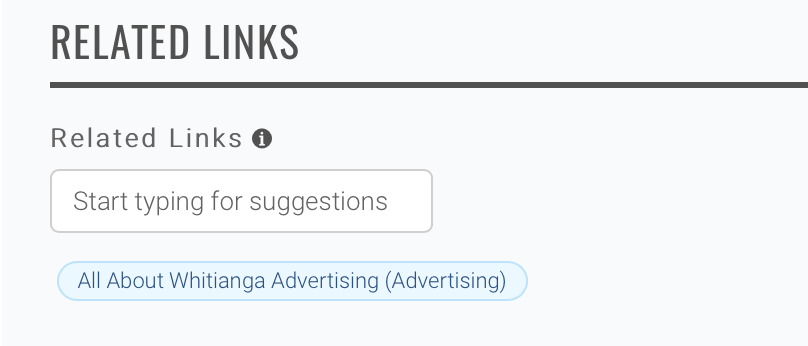
Your listing page will look likes this.

Social Media
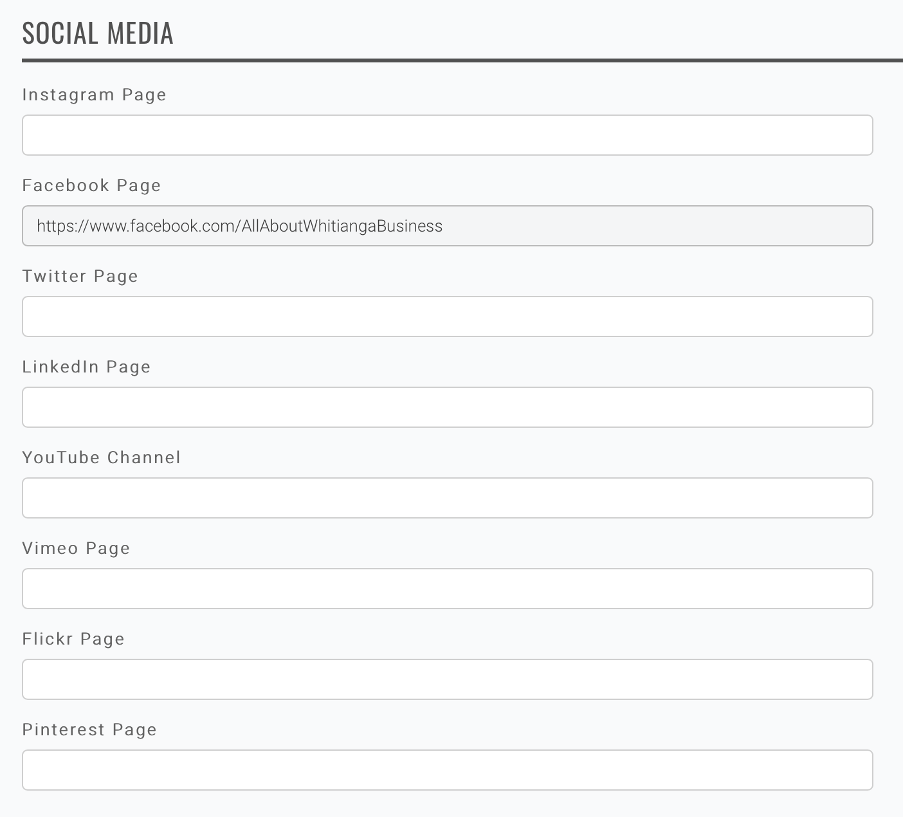
Don’t forget to pop in your social media pages to your business listing too!
To do this copy the URL address from the top of your social media page.

Useful Tip section
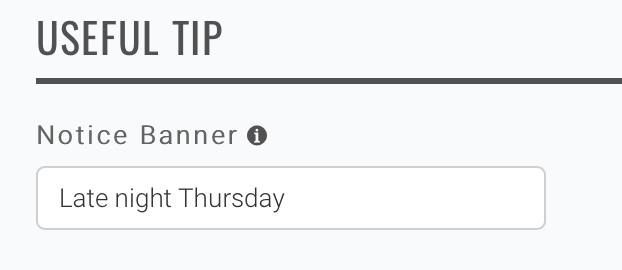
This area shows on your listing in a coloured box. It’s useful to highlight specials or your point of difference from competitors. It 0nly allows limited text - short sharp messages are best.

Next is the main text for your page
Summary box
This is where you need to write a short sharp paragraph about your business, this will show at the top of your listing, just under all your contact details.

This is what the summary box looks like in your ‘live’ listing.
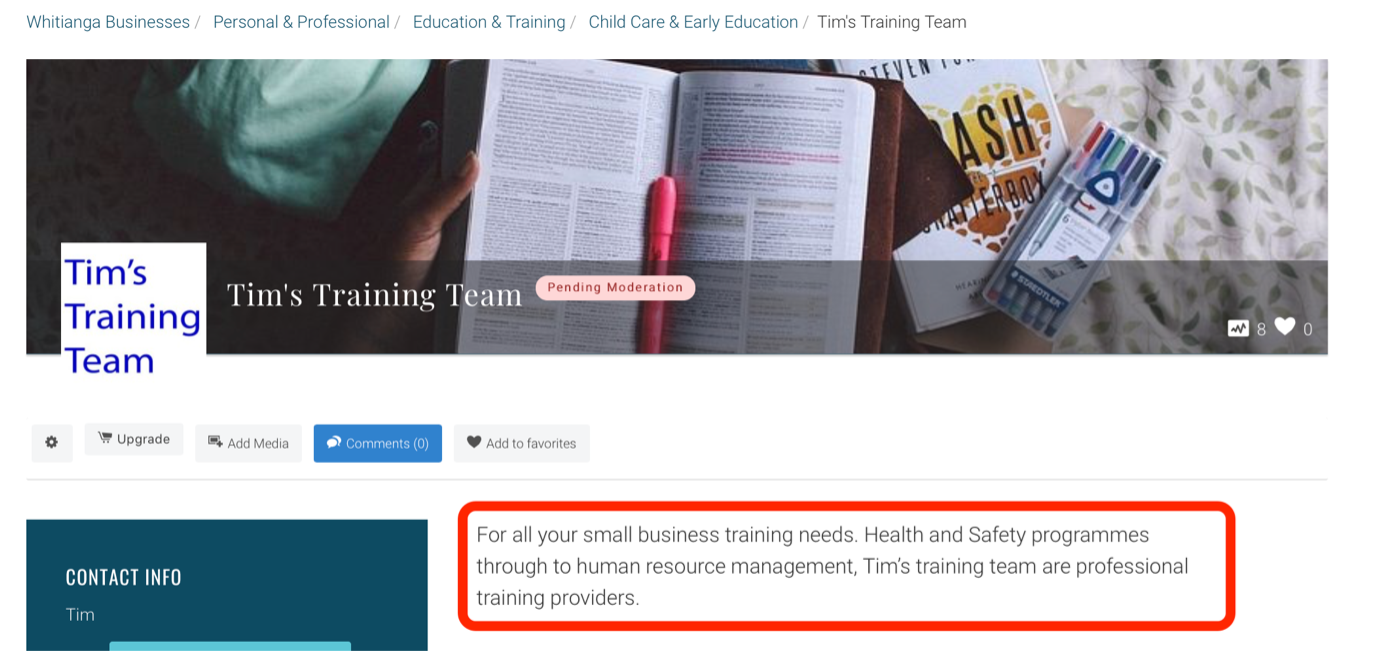
This is also what shows on your ‘landing page’ on the All About Whitianga site.

Description
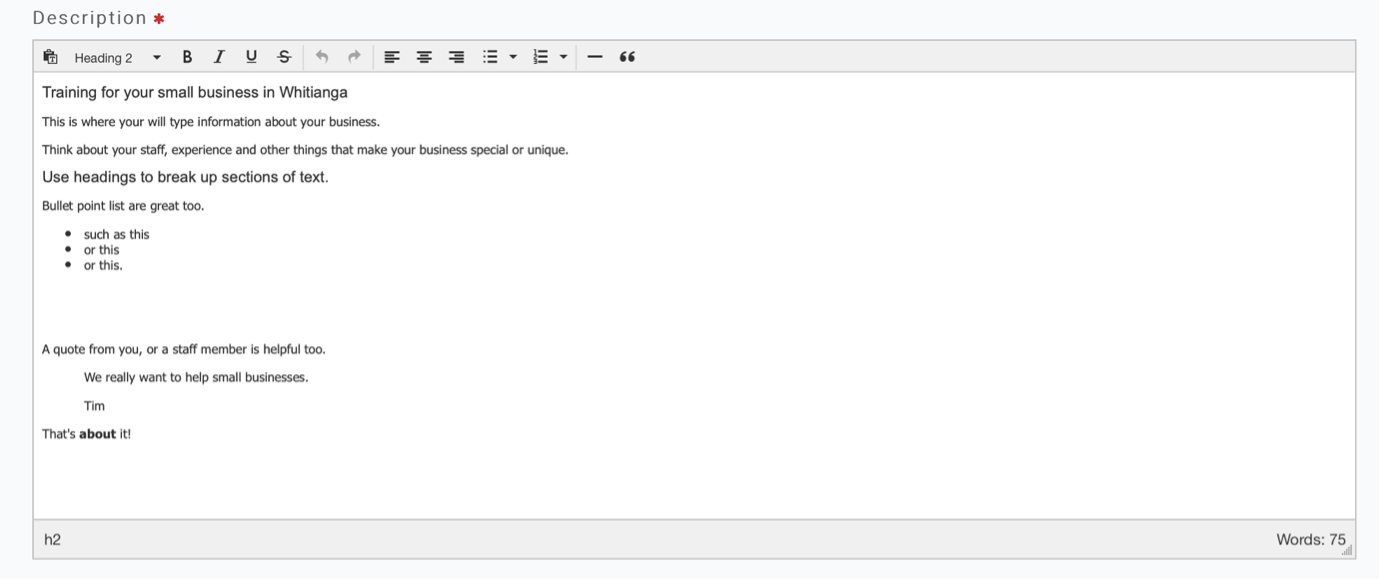
The description is where you can place more detail about your business. You are able to format by using the formatting tools.

It’s a great idea to break your ideas into paragraphs and highlight with a bold title.
Once you are happy, select the ‘submit’ button.
Then check your listing by clicking the ‘Go to listing’ button

Top Tip: Make sure you save (submit) regularly, the page will 'time out' after approximately 90 mins.

Read More
Related Links
All About Whitianga AdvertisingMore Business Stories

Hauraki Coromandel Business Awards Finalists Announced

Entries now open for the Hauraki Coromandel businesses awards


Celebrating Three Years of Success: Major Milestone in Connecting Businesses and Jobseekers

Nominations now open for the Hauraki Coromandel businesses awards

Stay Updated with Your Favourite Information Using the All About Whitianga Follow Button

Could a local Coromandel Peninsula bakery win a national award?

NZI Rural Women NZ Business Awards 2024 Entries Open


Siddharth dishing up success in Thames-Coromandel District

Could a Coromandel Peninsula 'sneaky' sausage roll be a winner?
-
{{#owner}}
-
{{#url}}
{{#avatarSrc}}
{{name}} {{/url}} {{^url}} {{#avatar}} {{& avatar}} {{/avatar}} {{name}} {{/url}} - {{/owner}} {{#created}}
- {{created}} {{/created}}